
AI assistant email and file access security starts with a simple question: what information will the tool be able to reach, and under whose permissions? An assistant connected to company email or shared files may be able to retrieve information users can already access. That can be useful, but it can also make existing oversharing easier to discover.
Before approving a connection, review the data, the access method, the vendor’s terms, and how your team will monitor and remove access. NIST’s generative AI guidance includes managing risks tied to third-party AI systems and services; use its Generative AI Profile as one input to your review.
Start with the information the assistant could reach
Do not begin with the app’s feature list. First map the information it may touch and decide what the assistant actually needs to do. A tool intended to summarize a user’s inbox has a different access need from one meant to search shared project files across an organization.
- List the data sources. Identify mailboxes, shared drives, document libraries, calendars, and other repositories the connection could expose.
- Check existing access. Review shared folders, group membership, delegated mailboxes, and inherited permissions. If an employee can already reach a file, an assistant acting with that employee’s access may be able to surface it too.
- Identify sensitive areas. Flag confidential business records and information subject to internal handling rules, customer commitments, or regulatory requirements.
- Define the task. Write down the specific workflow the assistant will support. Use that scope to challenge any permission that appears broader than necessary.
This inventory can reveal that the larger issue is not the assistant itself, but broad access that already exists. Correcting permissions before connecting a new tool can reduce the chance that it brings hidden access problems to the surface.
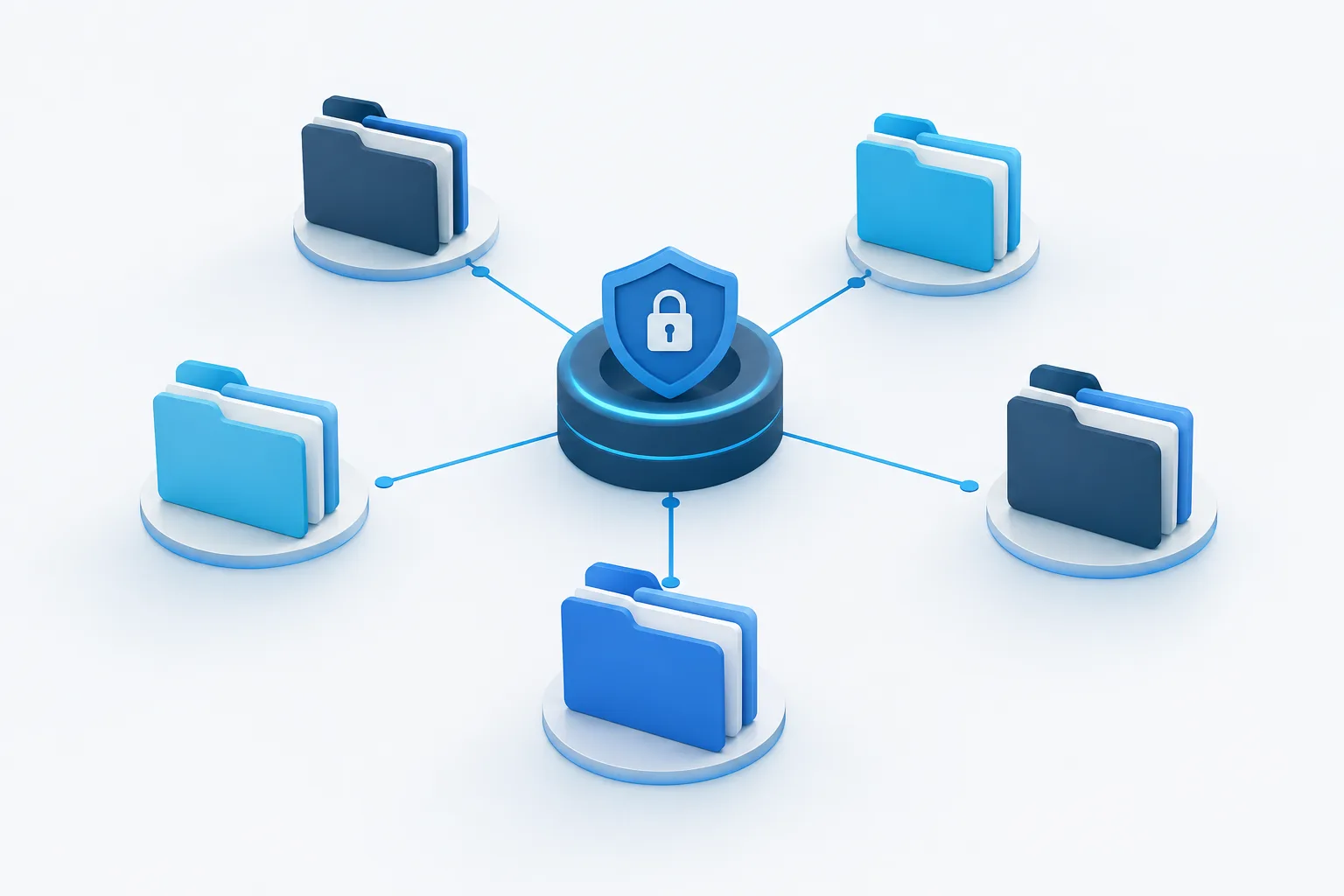
Review the permission model
Ask whether the assistant connects with each employee’s identity or uses an application identity with broader access. User-scoped, delegated access generally follows the connected user’s permissions. Application-wide access may reach data beyond an individual user, depending on the granted permissions and configuration. Confirm the actual behavior in your tenant rather than relying on a product description.
- Use least privilege. Approve only the mailboxes, users, folders, and actions required for the stated task.
- Prefer read-only access when it is enough. If the assistant only needs to search or summarize, question any request to send messages, edit files, or change permissions.
- Check the exact scopes. Review what each requested permission allows, whether access is user-scoped or organization-wide, and whether an administrator must consent.
- Restrict the connection. Where the platform supports it, limit which users can install or authorize the app and which data sources it can reach.
- Check for indirect access. Include linked repositories and shared locations in the review, not just the mailbox or folder named in the setup screen.
For Microsoft 365, review the app’s requested Microsoft Graph permissions, consent, and administrative controls. Microsoft’s Graph permission guidance can help administrators assess the permission model. In Google Workspace, review third-party app access and available restrictions using Google’s app access controls.
If the connection is part of a broader Microsoft 365 change, coordinate the access review with the rest of the tenant work. Zevonix’s guide to Microsoft 365 migration planning may help frame that work.
Read the vendor’s data terms closely
Security claims are not a substitute for understanding what happens to your data. Get clear answers in the vendor’s current terms and product documentation, and make sure they apply to the specific plan and connector your company will use.
- Retention: How long are prompts, responses, connector data, and logs kept? Can your organization control retention?
- Model training: Is company data used to train or improve models? Does the answer differ for prompts, connected content, or feedback?
- Subprocessors: Which other providers may process data, and what data might they handle?
- Deletion: What happens to stored data when a user disconnects, an account is closed, or the company ends the service?
- Incident handling: What notification and cooperation commitments apply if the vendor identifies an incident involving your data?
- Responsibility: Clarify which security, access-management, and response tasks belong to your organization and which belong to the vendor.
Do not rely on a general privacy statement if the integration has separate terms. Record the answers and confirm that the approved configuration matches them.
Check compliance and confidential-data requirements
Organizations handling healthcare, financial, legal, education, government, or other sensitive records should involve the appropriate compliance and business owners before approving an integration. Identify whether the assistant will process regulated or contractually protected information, and confirm that the vendor, product configuration, and agreements are suitable for that use.
For healthcare use involving electronic protected health information, ask whether the vendor will enter into the required business associate agreement for the service and use in question. Have your privacy or compliance lead confirm the applicable requirements before any ePHI is connected. Apply the same discipline to other sensitive records: do not assume that an app is approved for a particular data type just because it can technically access it.
Pilot, monitor, and keep a way to disconnect
Do not move directly from approval to organization-wide access. Start with a limited pilot using a small, appropriate group and a controlled set of data. Use test content where practical, and avoid exposing sensitive records until the review is complete.
- Confirm the assistant can complete its intended task without broader access than expected.
- Test whether it can retrieve information from shared locations that should be out of scope.
- Review sign-in, consent, and app-access logs for unexpected activity.
- Ask pilot users to report incorrect access, unexpected data exposure, or actions the assistant should not perform.
- Set an owner and a regular review process for permissions, vendor terms, and continued business need.
- Document how administrators will revoke consent, remove the app, and check for remaining connections or stored data if the company stops using it.
Include the assistant in incident response planning. Your team should know who can disable the integration, how to preserve relevant records, and who must be notified internally if access appears broader than intended. Review the connection again when the vendor changes its product, the business use changes, or the data sources expand.
Frequently asked questions
What permissions does an AI assistant need to access company email and shared files?
Only the permissions required for its approved task. Review whether it needs read access, write access, specific users’ data, or broader application access. Avoid granting capabilities the workflow does not require.
Can an AI assistant access files or email an employee can already access?
It may be able to, depending on how the connection works and the permissions granted. Check the assistant’s identity model and the user’s existing access, including inherited and shared permissions, before connecting it.
How can administrators limit an AI tool to selected mailboxes or folders?
Use the platform’s available app restrictions, consent controls, and permission-scoping options. Test the configured boundaries with a limited pilot, then verify access through administrative logs and a review of the connected resources.
What should a healthcare organization check before an AI vendor processes ePHI?
Confirm the specific service and configuration are appropriate for the intended use, review retention and security terms, and ask the compliance or privacy lead to assess the required contractual arrangements, including a business associate agreement where applicable.
How can administrators revoke an AI app’s access?
Use the identity or workspace administration controls to remove the app’s consent or authorization, then check for other active connections and any stored data that requires deletion. Keep this process documented and test it before relying on it during an urgent situation.
Make access a managed decision
An AI connection should have a defined purpose, limited permissions, reviewed vendor terms, and an owner responsible for ongoing oversight. If your team wants help reviewing access, monitoring, or cybersecurity as part of its broader IT environment, contact Zevonix at (904) 658-0777 to discuss the next step.